How to share a Trip?
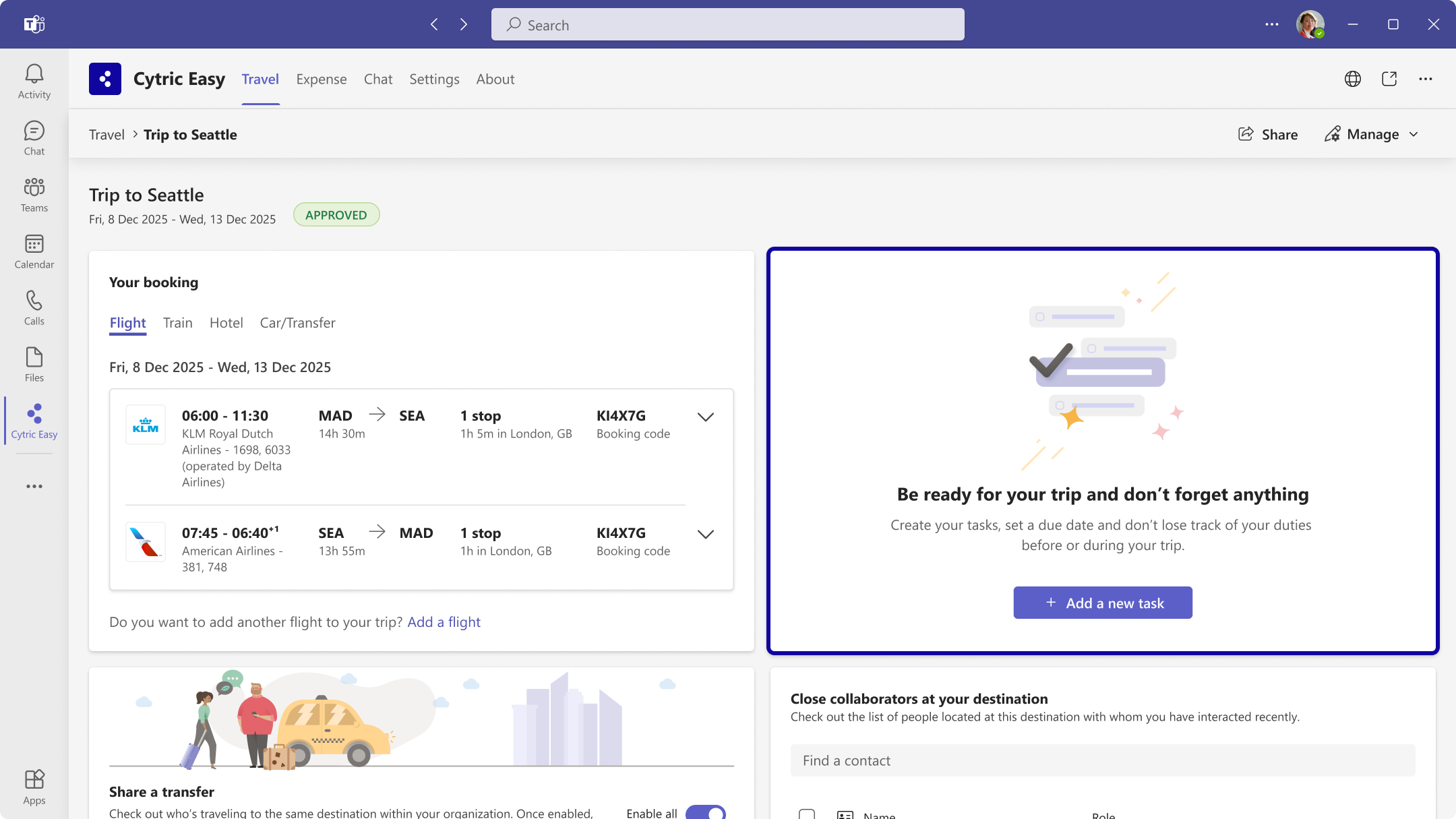
After booking a trip with one or more segments, you can share it with a colleague, group, or channel in multiple ways:
How to join a Trip?
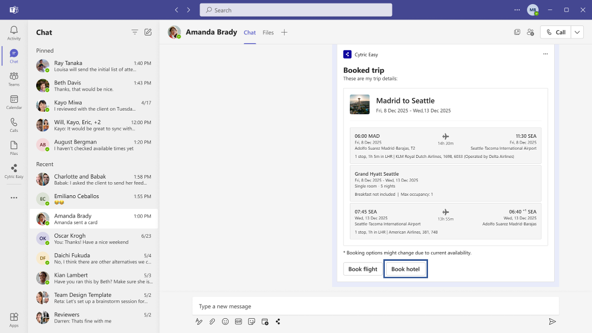
Once you receive a trip card from a colleague in a Microsoft Teams chat, you can:
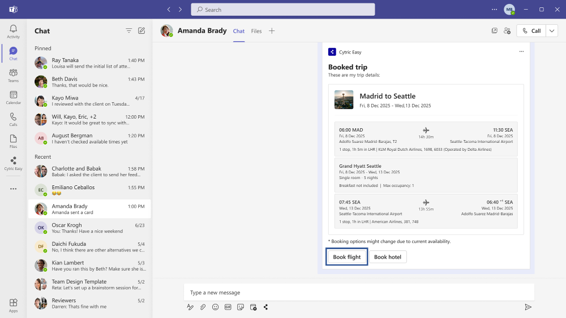
Book a flight from a shared trip card
To book the same flight as your colleagues, simply click the 'Book Flight' button on the trip card shared with you. This will match their departure location and destination, allowing you to complete the booking in just a few clicks.
How to use Close Collaborator feature?
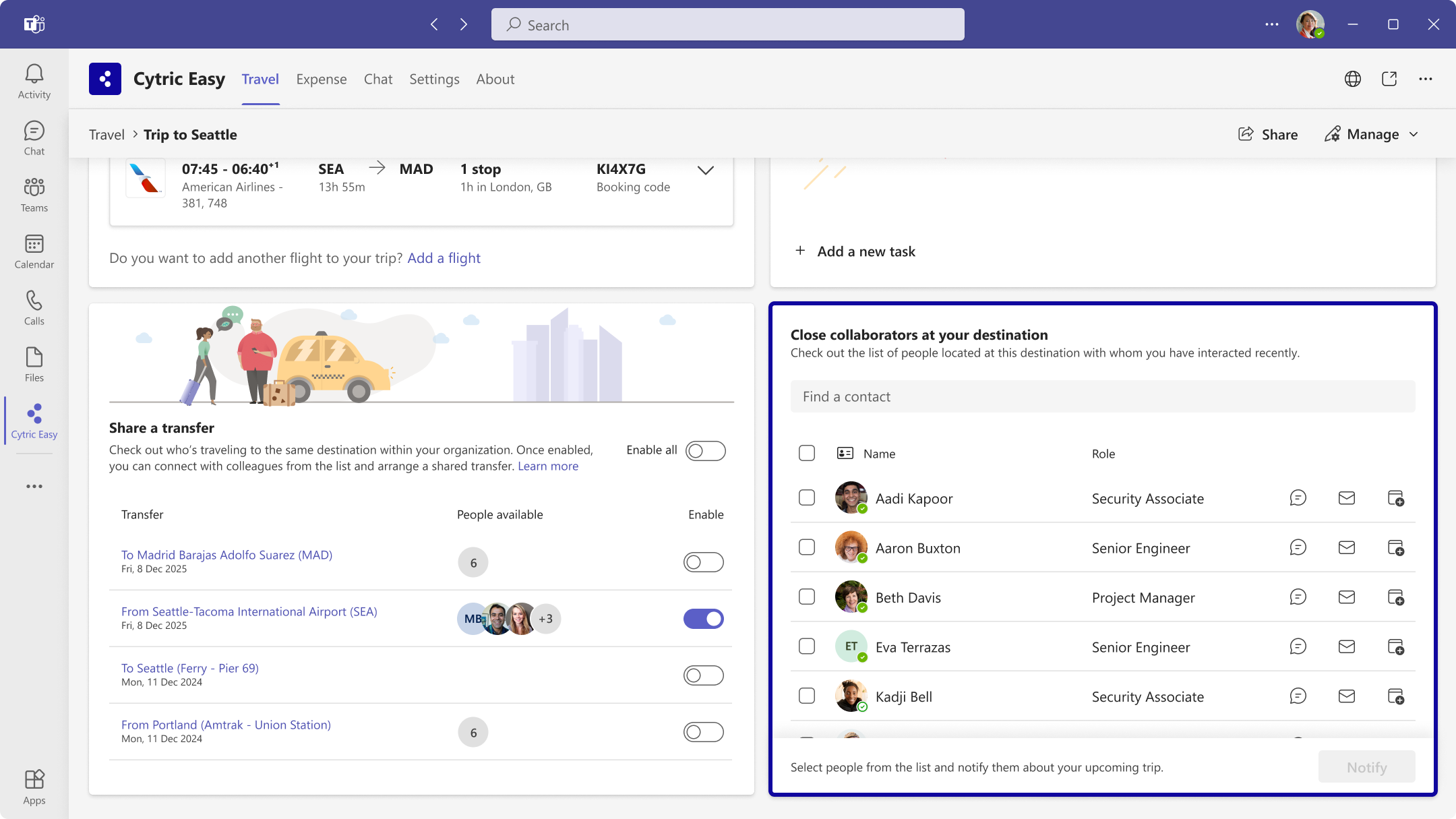
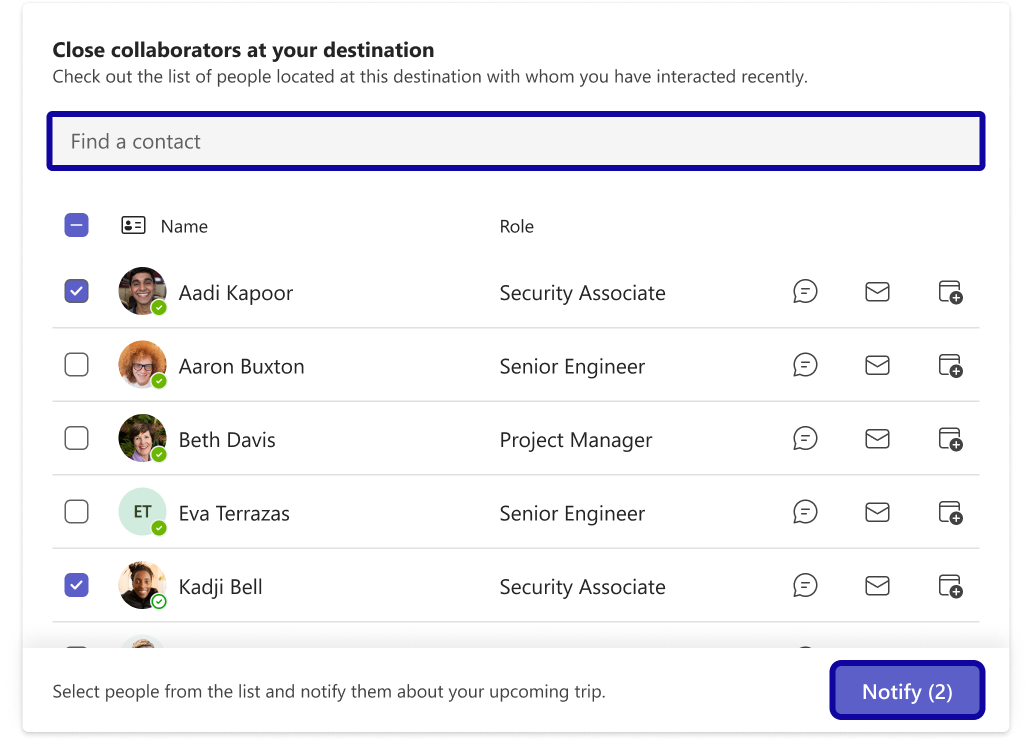
Find out if a colleague will be in the office when you visit next. Cytric Easy in MS Teams can connect you with frequent collaborators at your destination. With one click notify them you are coming to set up meetings.
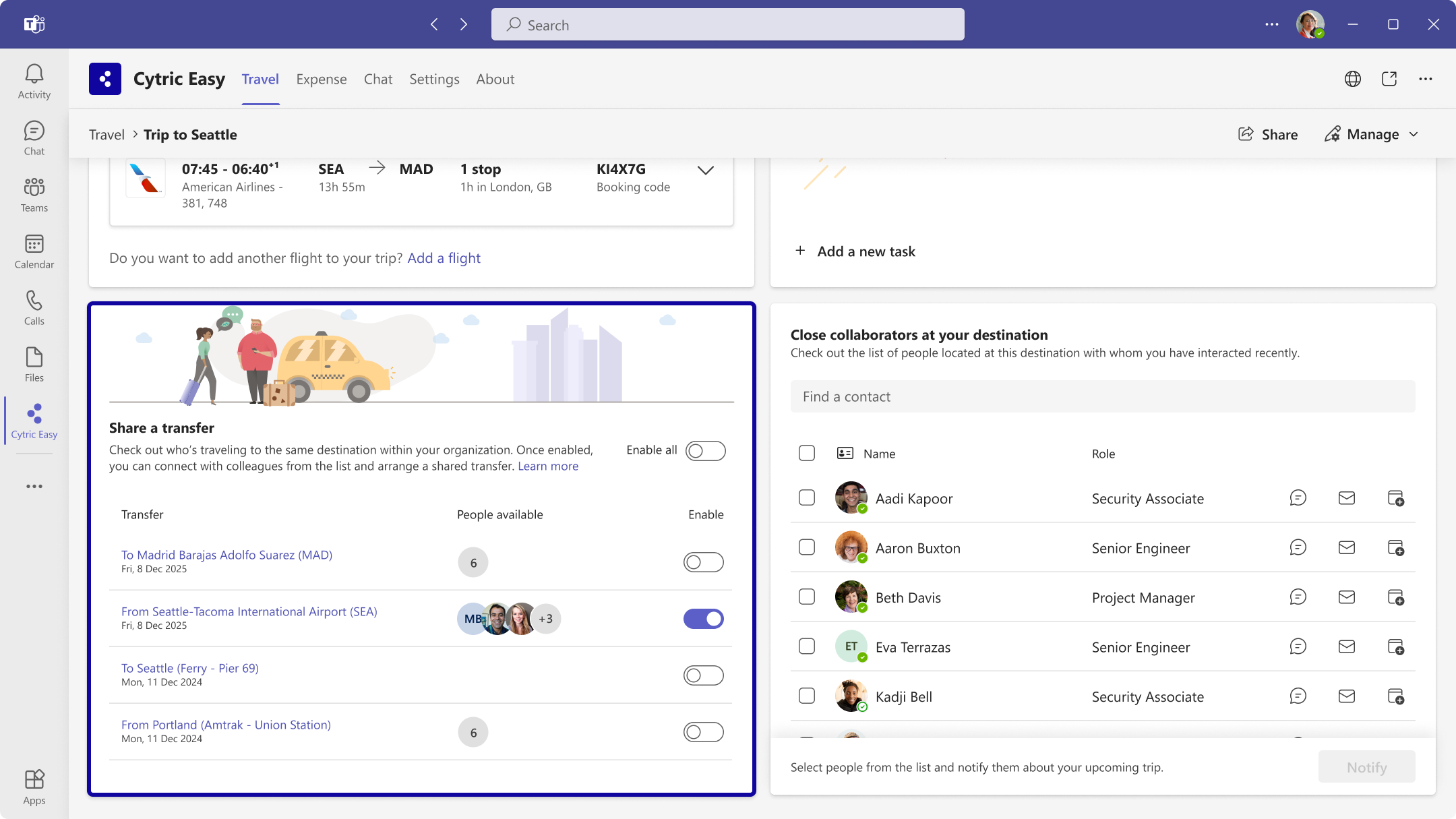
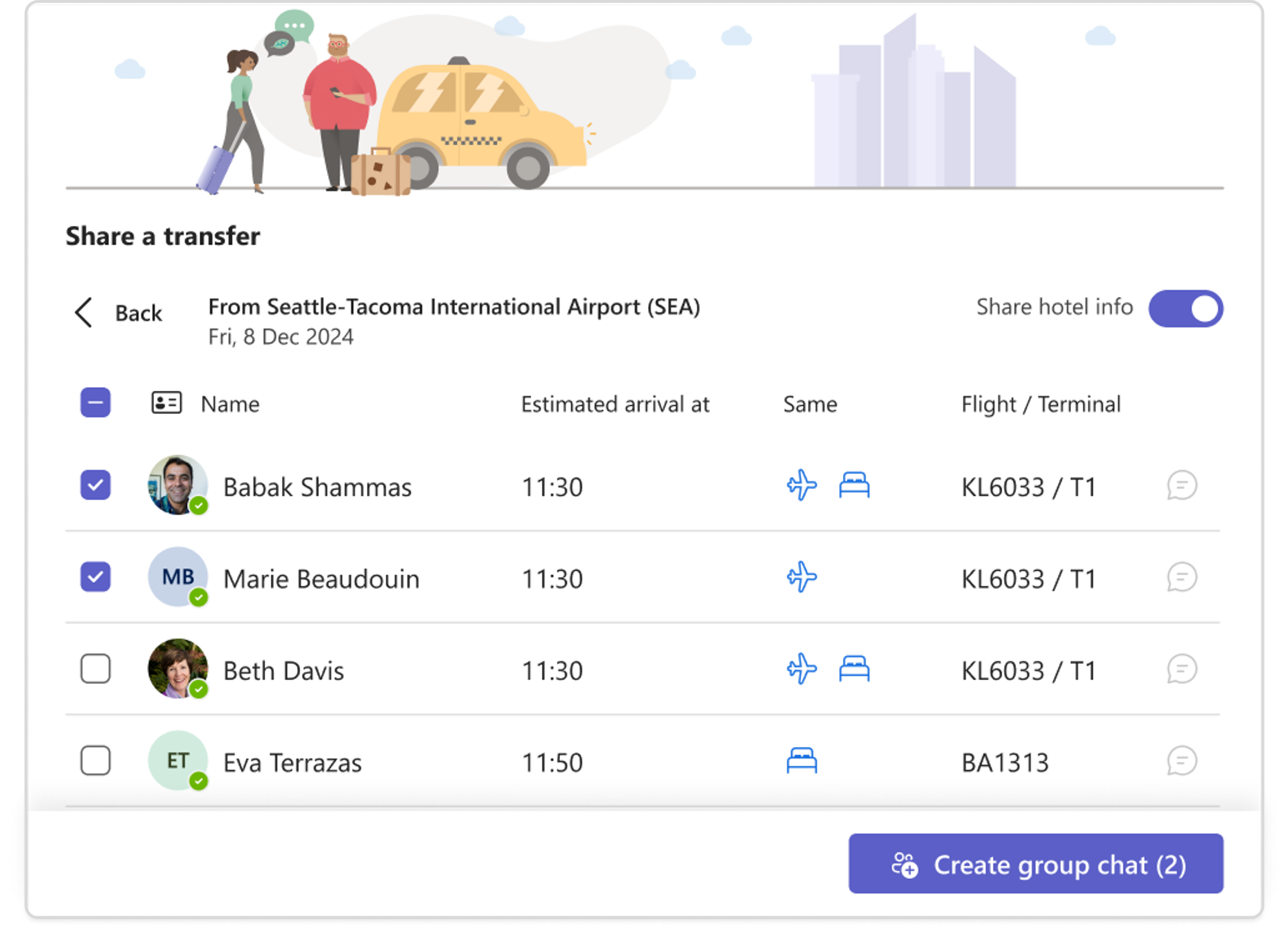
How to share my transfer?
How to use To-Do-List?
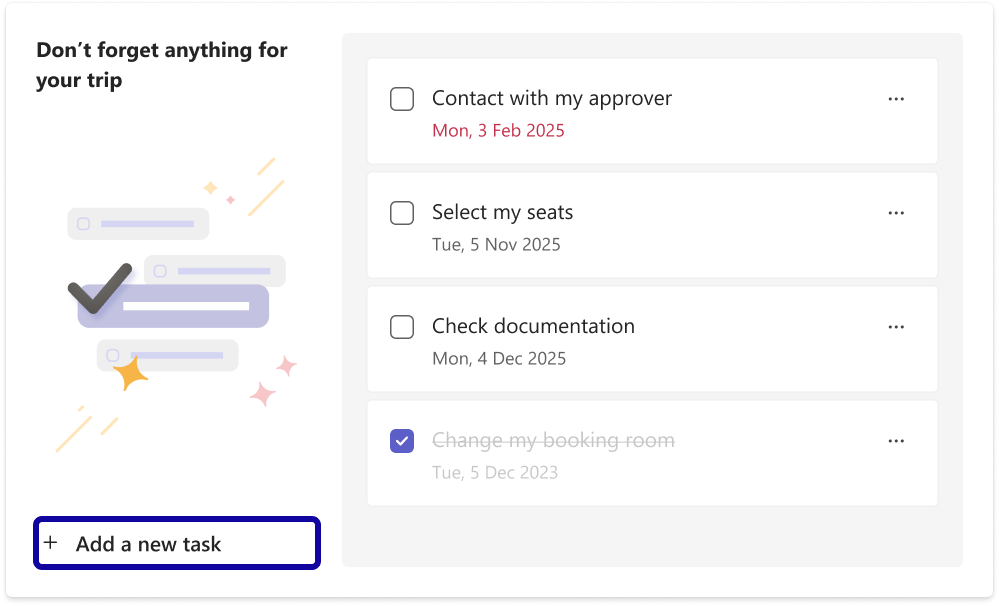
Get everything ready for your trip by using the to-do list in the Travel tab.