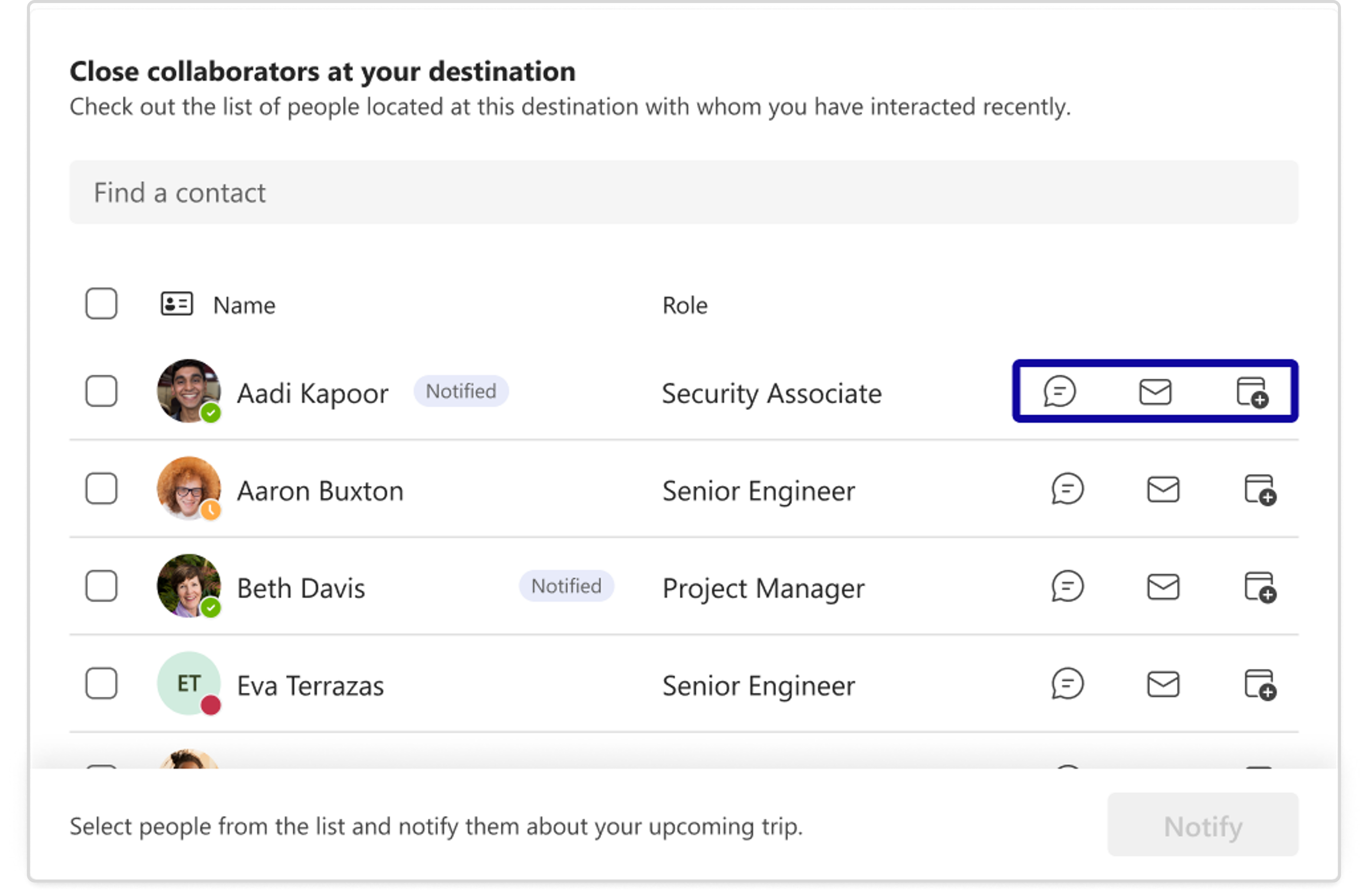
How to use Close Collaborators feature during your trip?
Upon arrival, remember to touch base with your collaborators to remind them of your arrival.
How to use Reverse Collaborators function?
If you are not traveling, you can still use the close collaborators feature. Within the "Travel" tab, click "Show Panel" in the top right corner. This will expand the panel and show a list of colleagues who are traveling to your destination and have notified you. The list includes their names, job titles, and trip dates. You can then select any of them and start a conversation using the chat icon.