Additional details in Event Manager
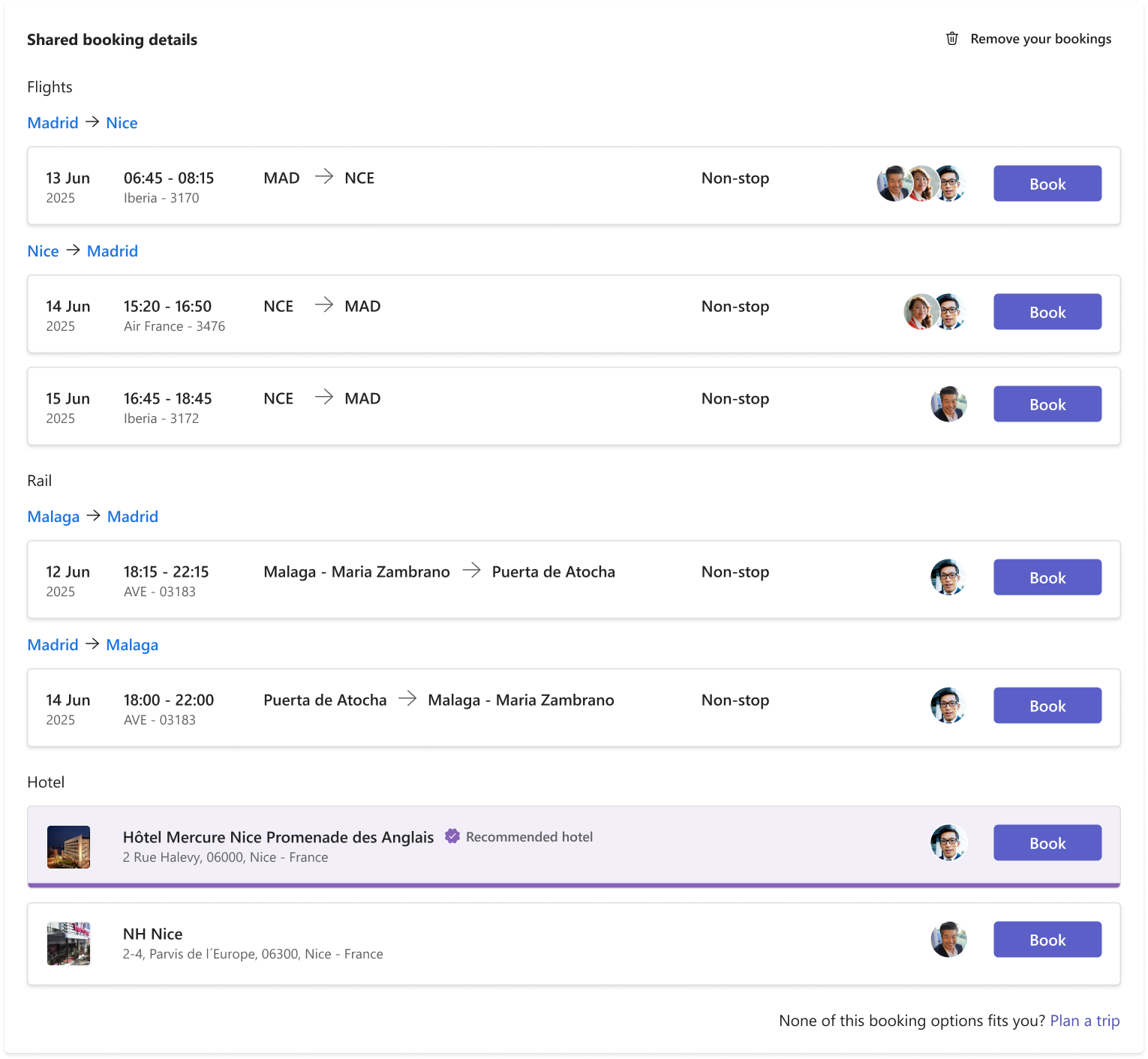
Colleagues on the same booking
After adding a booking to the Trip Logistics tab, all members of the event can see the trip option and the avatar of the colleagues who booked it.
This information will be displayed on each booking card. If more than 3 people booked the same option, a number will be displayed beside the avatars to show how many people have joined.
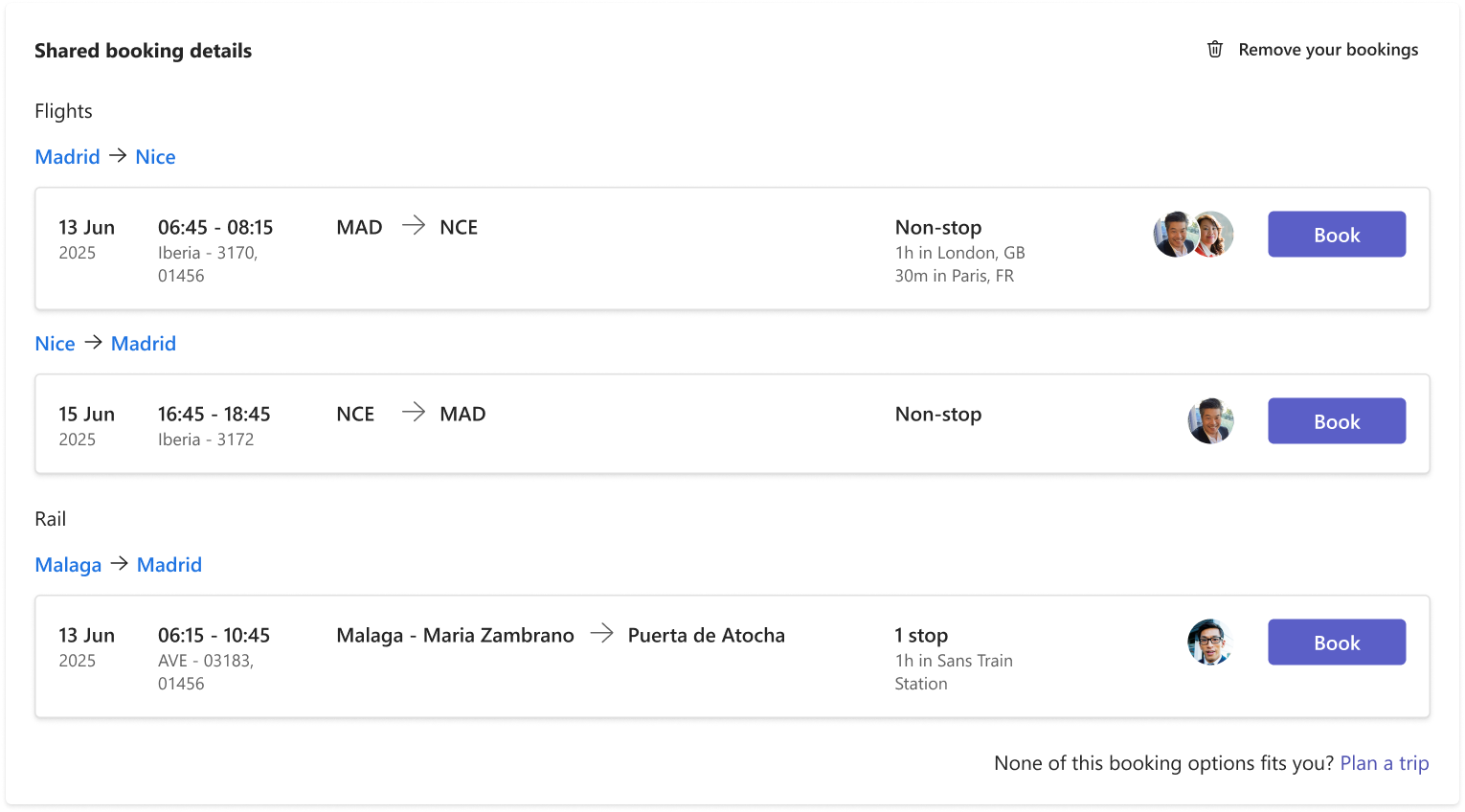
Bound Trips information
If you or your colleagues have any stop in their itineraries, it will be displayed not only the number of stops but also the duration and the city of the stop. In case they have more than 1 stop in their itinerary, all stops will be shown on the card.
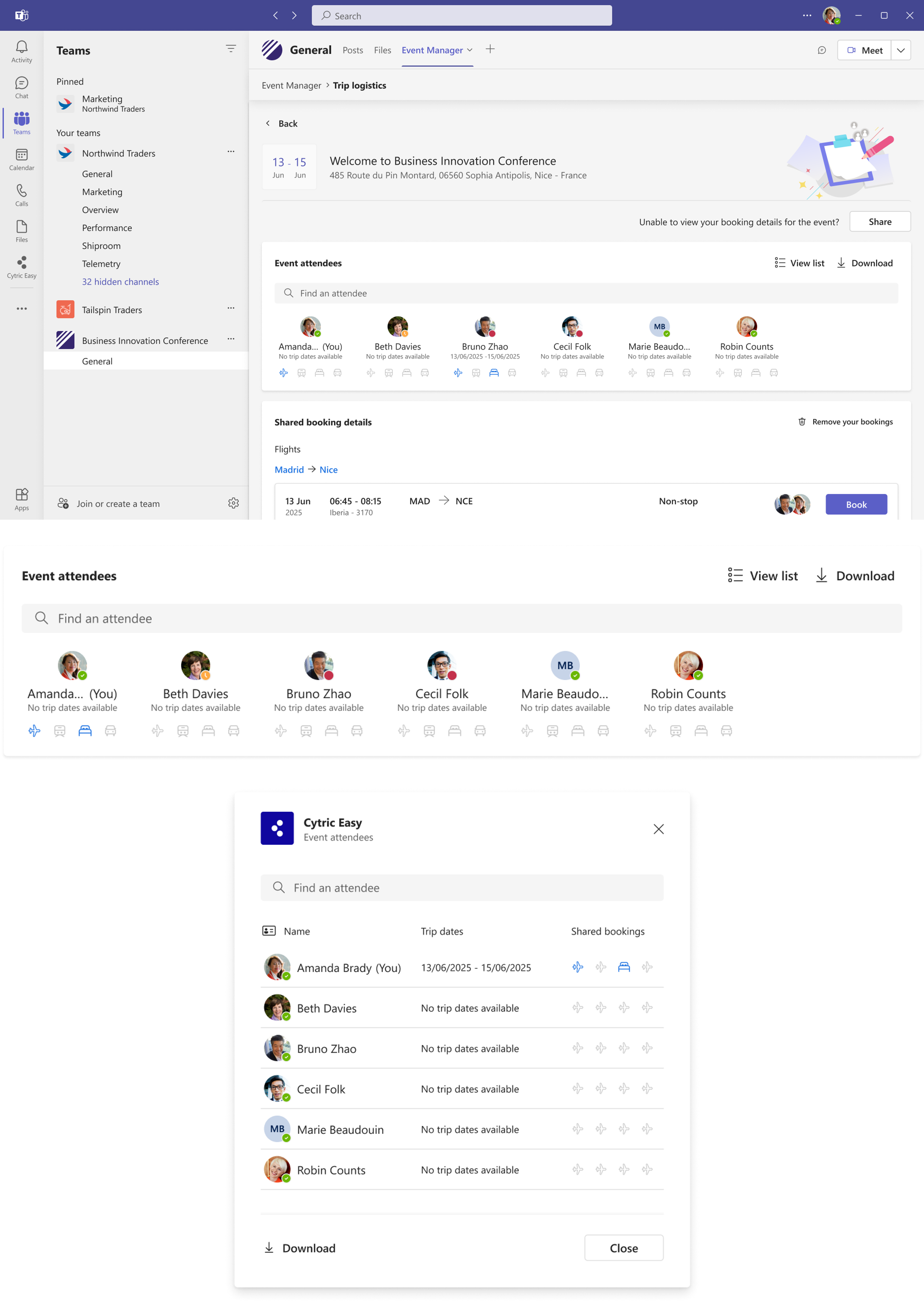
Trip segments icons
The event attendees section contains all the people invited to the channel. This includes Avatar, Name, Trip Dates, and what type of bookings have been shared by each member.
If the user has already shared a booking, the trip dates will appear as an overview of their trip. The icons show what type of bookings have been shared by a member. Once you book a trip and share it with the event, your information will be updated in the panel.
This information can also be displayed as a list to ease access to long lists of people.